> ## Documentation Index
> Fetch the complete documentation index at: https://developers.dock.us/llms.txt
> Use this file to discover all available pages before exploring further.
# Send test events
> Send test events to your webhook URL to ensure that it's working correctly.
## Sending test events
You can send test events to your webhook URL to ensure that it's working correctly. To do this:
Use this flow to validate sample payloads for `workspace.created`,
`course.completed`, `course.reviewed`, `presentation.viewed`, and
`presentation.downloaded`, plus `asset.viewed`, `asset.shared`, and
`asset.downloaded` subscriptions before going live.
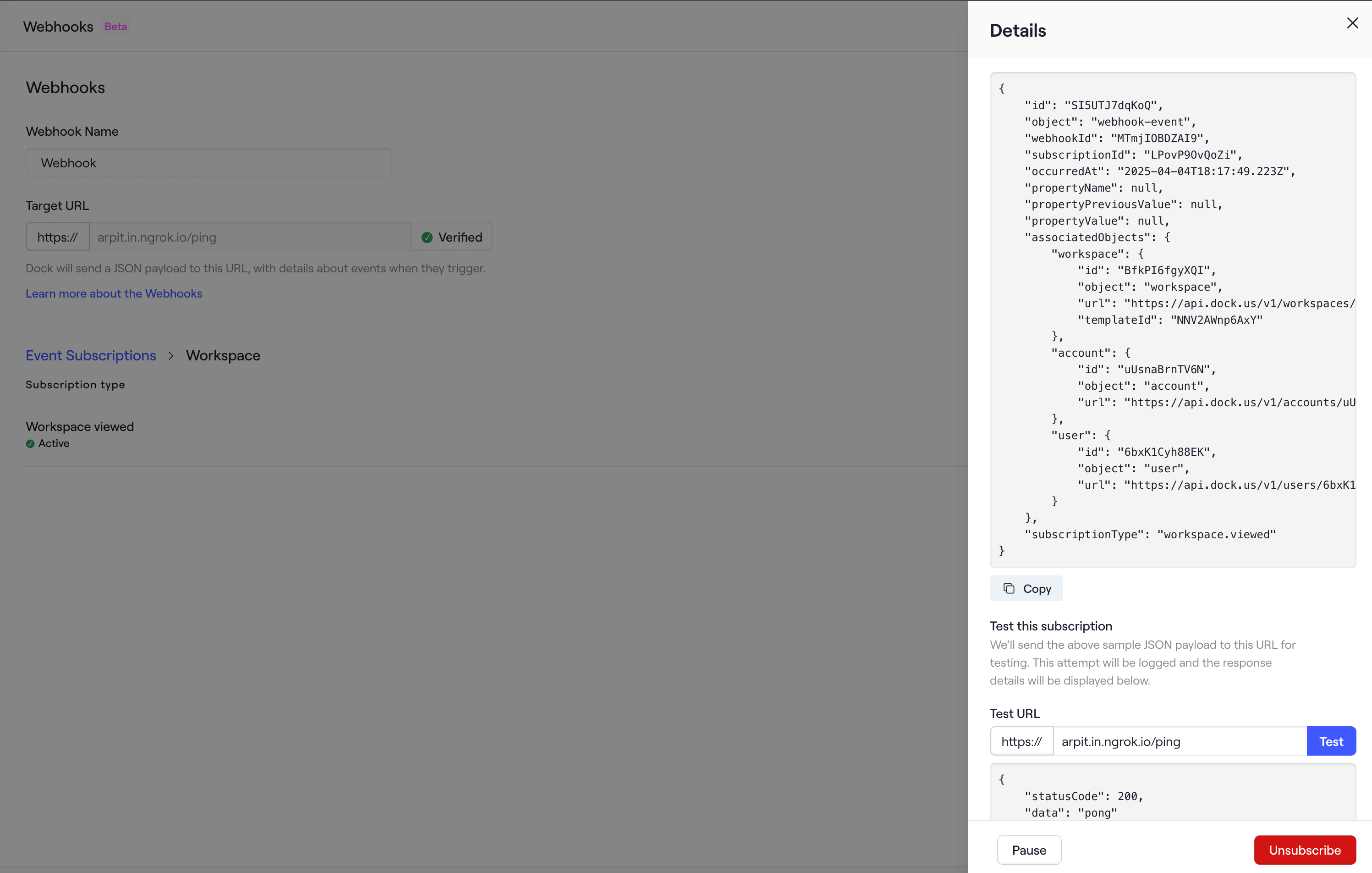
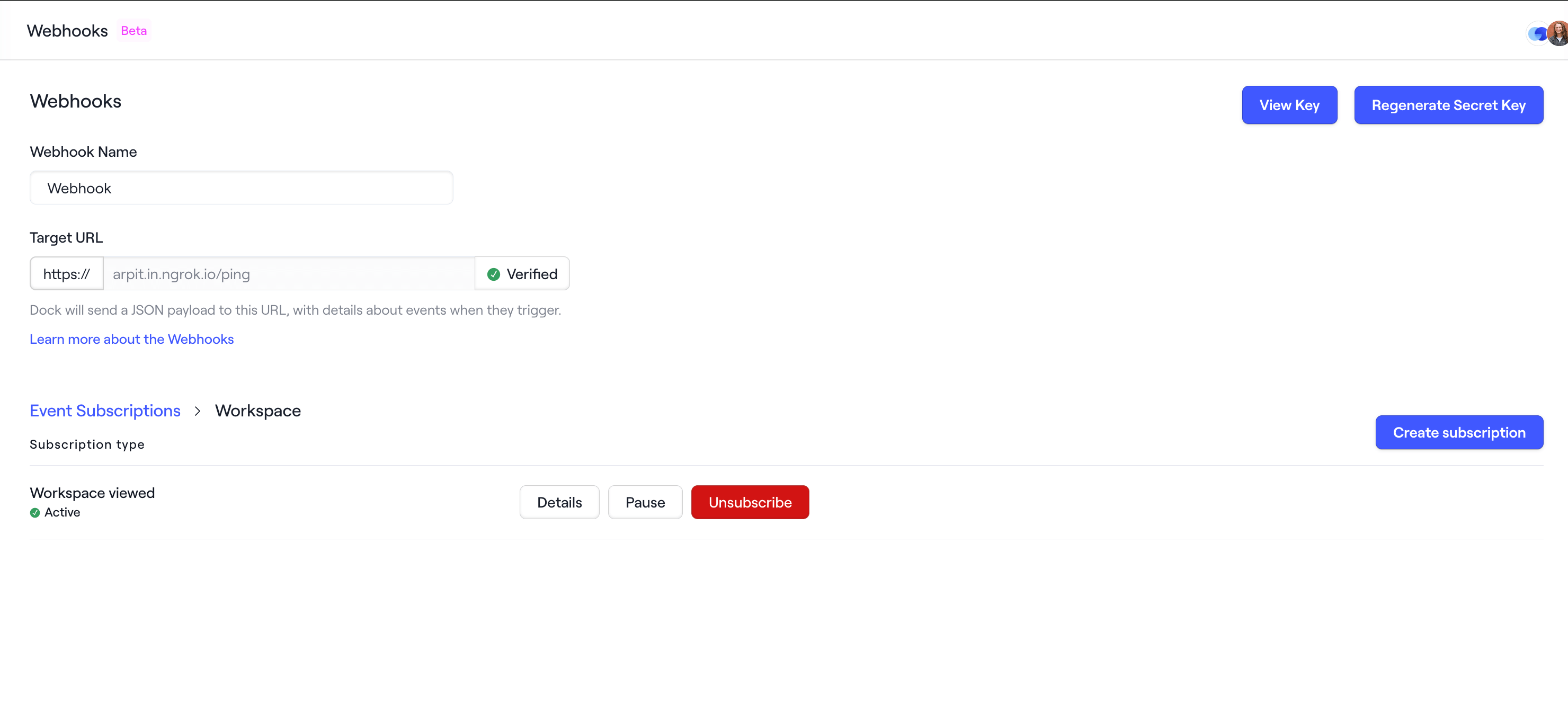
Click on the **Details** button to view the subcription's sample payload and
details.
 Scroll down, enter the Test URL in the input and click on **Test** button to
send the event and view the response.
Scroll down, enter the Test URL in the input and click on **Test** button to
send the event and view the response.